
Check slots and schools
Compare items for the same slot and build resonance across different slots in one school.
- Where to start
- Press I in game → Bag → Equipment
-
Check whether you can equip it
Press I and open the Equipment tab. Hover over a new item to check its required level, slot, and weapon type. Your worn gear is on the left and the bag is on the right. Rings, necklaces, bracelets, and charms share one accessory slot.
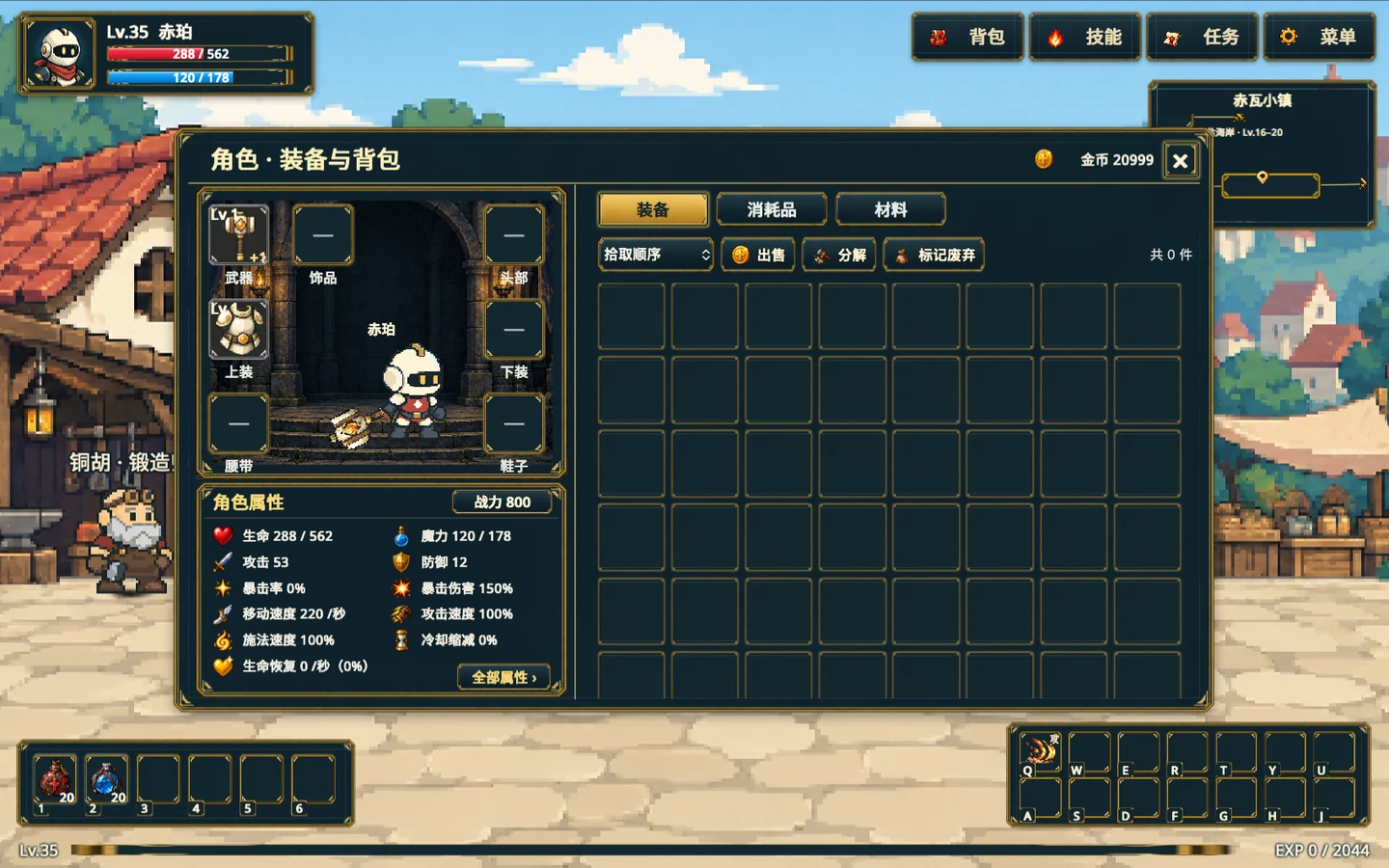
Worn equipment is on the left. Use the item details to compare stats for the same slot. Gameplay screenshot · click to enlarge -
Compare stats and triggers
Compare attack on weapons and main stats such as health or defense on armor. Then read the conditions for fixed effects, such as triggering on a hit or cast. Right-click the chosen item in the bag and verify that it replaces the item in the matching slot on the left.
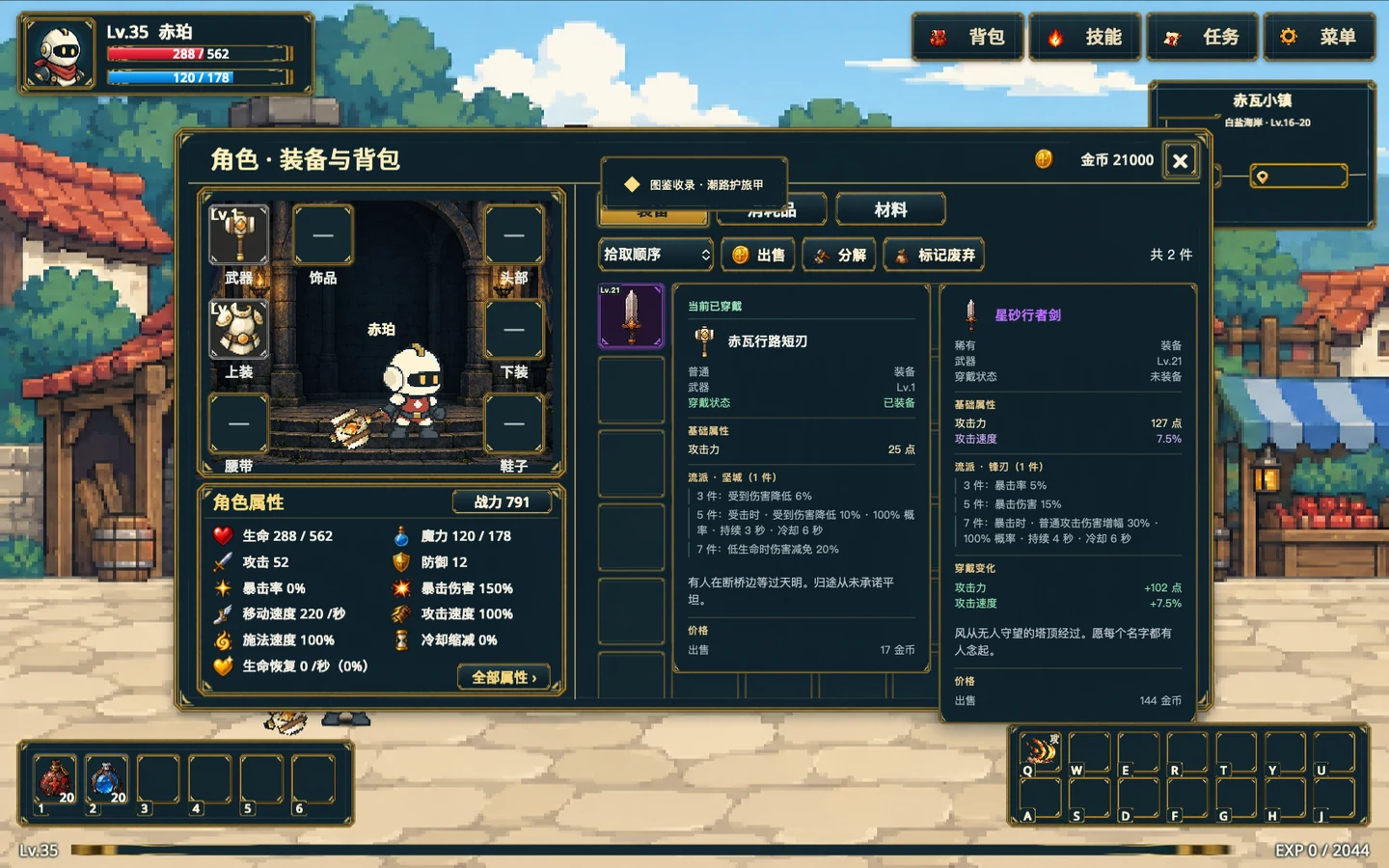
Hover over a weapon in the bag to see it side by side with the equipped weapon. Gameplay screenshot · click to enlarge -
Count resonance across equipped slots
Read the school in each item’s details. For example, a weapon, headpiece, and boots from the same school activate the three-piece tier. Fill other slots with the same school to reach five and seven. Equipment sets have separate piece or combination requirements.